Built by a parent, for parents

You signed up to be a parent.
Not an inbox manager.

Staying in the loop shouldn't be difficult. 60 seconds fixes that.

Forward your family emails once.
Every morning, a fresh brief is ready — read it on your dashboard or ask Alexa.

Get Started Free →

Free during beta  ·  No credit card required  ·  Takes 3 minutes

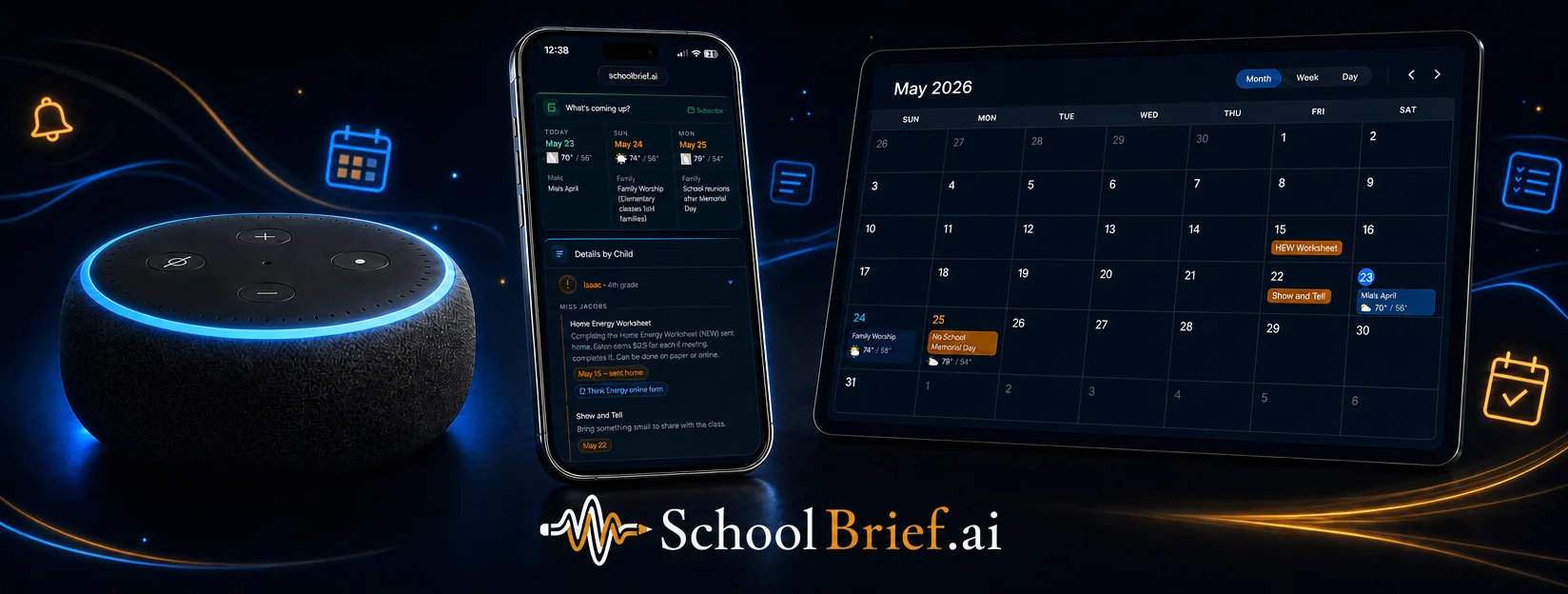
SchoolBrief on Echo, phone, and tablet — the daily brief and family calendar on every device
Certified Alexa skill — live today
Live dashboard + daily audio brief
School, clubs & sports — one brief
No app required
Works with: Gmail Outlook iCloud Yahoo ParentSquare Remind ClassDojo Any school email
See a real SchoolBrief digest — five kids, rebuilt every morning
View live demo
No login required

How it works

Set it up once. Send it the pile.
Wake up caught up.

01

Forward your family emails

Set up one forwarding rule in Gmail, Outlook, or any email app. Takes three minutes. Works with every provider.

02

SchoolBrief reads what you send it

AI reads each email you forward — and a second model double-checks it — pulling out the deadlines, reminders, and updates that matter, organized by child, teacher, club, or event.

03

See it, or just listen

Your live dashboard updates automatically — and each morning a fresh 60-second audio brief is waiting, right on the dashboard or on Alexa.

04

More time to be a parent

The email pile stops being your job. Sixty seconds and you're caught up — the rest of the evening goes back to your family.

Get Started Free →

Features

Built for the way
parents actually live.

Only on SchoolBrief
🔊

Read it, hear it, or ask Alexa

Your live dashboard is home base — and every brief comes with a 60-second audio version. Play it right there, or go hands-free on Alexa.

Only on SchoolBrief
📬

Any email, any school platform

Gmail, Outlook, iCloud, Yahoo — it all works. ParentSquare, Remind, ClassDojo — if it lands in your inbox, SchoolBrief handles it.

📅

Your calendar, auto-filled

Subscribe once and every event SchoolBrief finds lands in Google Calendar, Apple Calendar, or Outlook — and it stays in sync with your dashboard. Remove an event that doesn't apply to your family, and it's gone from your calendar too.

📸

Snap it, screenshot it, clip it

A flyer on the school door, a screenshot of a group text, a web page worth remembering — send it to your SchoolBrief address and it's on your dashboard and in tomorrow's brief.

🎯

Organized by child

Each teacher's update delivered separately. Know exactly what's happening with each of your kids — not a jumbled mix.

Always current

SchoolBrief refreshes automatically. No apps to open, no notifications to chase. Open the dashboard or ask Alexa whenever you need it.

🔒

Private and secure

You control what gets forwarded. SchoolBrief only sees what you send — encrypted, never shared, and deleted on request. Read the privacy policy →

Fits your morning

While you're making coffee. On the way to school. SchoolBrief fits into the moments you already have — not ones you have to make.
Tonight, the inbox can wait.
Tomorrow's brief is already on the way.

Get Started Free →

Free during beta  ·  No credit card required